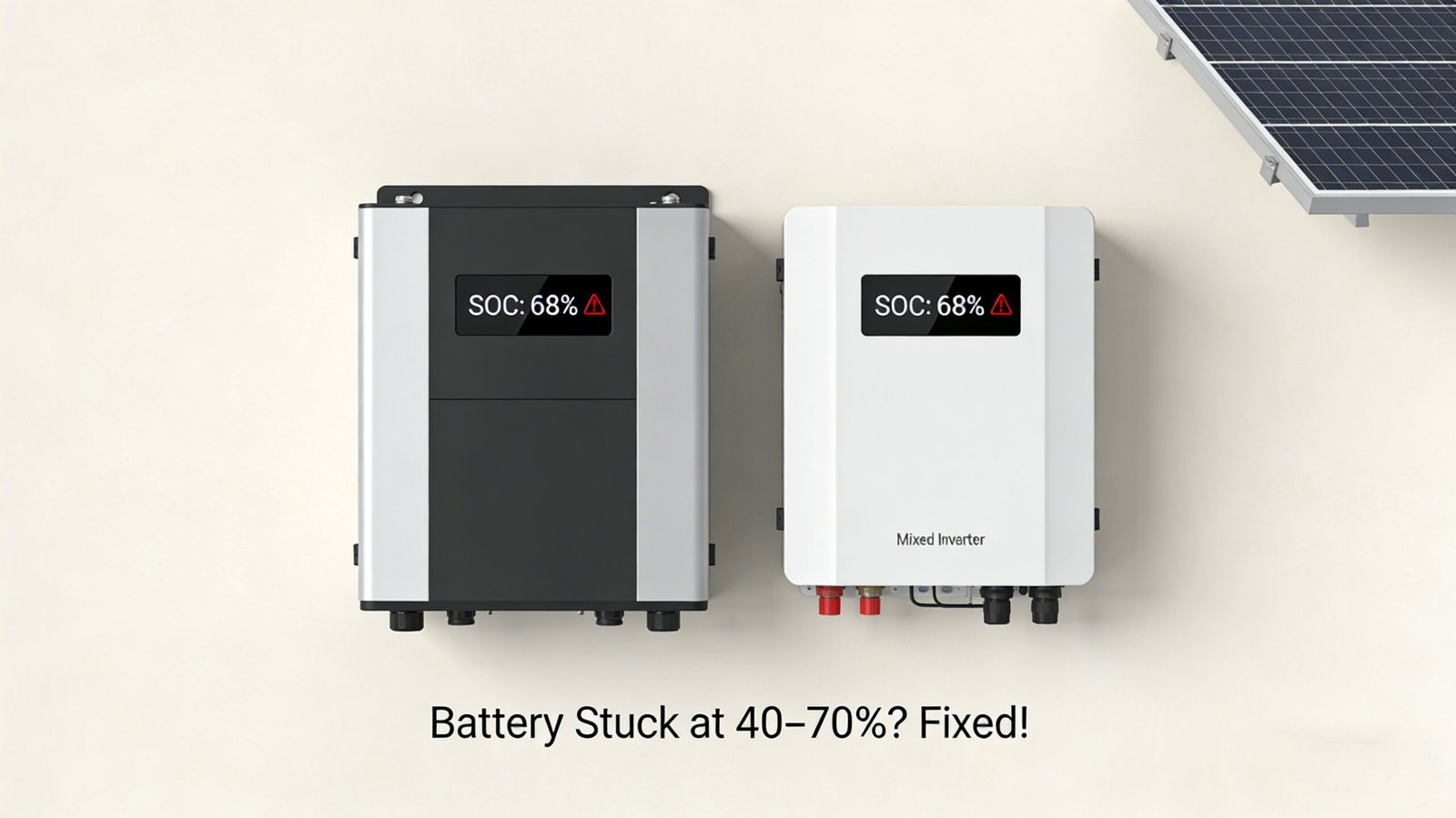
If you’ve noticed your solar storage battery isn’t charging past 40%, 50%, or 70%—even when the sun is shining or you’re connected to grid power—you’re not alone. This is one of the most common frustrations for homeowners and small business owners using solar battery systems, and it can leave you feeling like you’re not getting the most out of your investment. The good news? Most causes are easy to diagnose and fix, without needing to call an expensive technician right away.
If you’ve noticed your solar storage battery isn’t charging past 40%, 50%, or 70%—even when the sun is shining or you’re connected to grid power—you’re not alone. This is one of the most common frustrations for homeowners and small business owners using solar battery systems, and it can leave you feeling like you’re not getting the most out of your investment. The good news? Most causes are easy to diagnose and fix, without needing to call an expensive technician right away.
Common Reasons Your Solar Battery Won’t Charge Fully (Stuck at 40%–70%)
Before diving into fixes, let’s start with the most likely culprits. The issue almost always boils down to one of these five problems: BMS (Battery Management System) glitches, inverter-battery compatibility issues, incorrect settings, battery degradation, or charging source problems. Let’s break each down.
1. BMS (Battery Management System) Lockout or Calibration Issues
Every modern solar battery has a BMS—a built-in “brain” that monitors the battery’s voltage, temperature, and state of charge (SOC). Its job is to protect the battery from damage (like overcharging or deep discharging), but sometimes it glitches and locks the battery into a partial charge.
Why this happens: If your battery was recently deeply discharged (below 20% SOC), the BMS might trigger a safety lock to prevent further damage. Or, over time, the BMS can lose calibration, meaning it’s miscalculating the actual SOC—so it thinks the battery is full when it’s only 40%–70% charged.
How to fix it (DIY):
- Perform a “BMS reset”: Turn off your inverter and battery (disconnect AC and DC power), wait 10–15 minutes, then reconnect everything and turn the system back on. This often resets the BMS and fixes minor glitches.
- Calibrate the BMS: Let the battery charge to the stuck percentage (e.g., 70%), then use your loads (lights, appliances) to discharge it slowly to 20%–30%. Then, charge it back up fully (leave it connected to solar or grid power for 8–12 hours). Repeat this 2–3 times—this helps the BMS re-learn the battery’s actual capacity.
2. Inverter-Battery Compatibility or Firmware Mismatch
Your solar battery relies on a hybrid inverter to charge it. If the inverter and battery aren’t compatible, or if their firmware (software) is outdated, the inverter might stop charging the battery prematurely—often at 40%–70%.
Why this happens: Inverters and batteries communicate via protocols (like CAN or RS485). If the inverter’s firmware is old, it might not “speak” properly to the battery’s BMS. Or, if you mixed and matched brands (e.g., a Deye inverter with a generic battery), they might not be fully compatible, leading to charging interruptions.
How to fix it (DIY first, then professional):
- Check for firmware updates: Log into your inverter’s app or web portal (e.g., Deye Solar App, Goodwe Portal) and see if there’s a firmware update available. Most updates fix compatibility issues and charging bugs—installing them is usually as simple as clicking a button.
- Verify compatibility: Check your inverter’s user manual or manufacturer website to confirm that your battery model is on the “compatible batteries” list. If it’s not, you might need to replace either the inverter or the battery (or contact the manufacturer for a workaround).
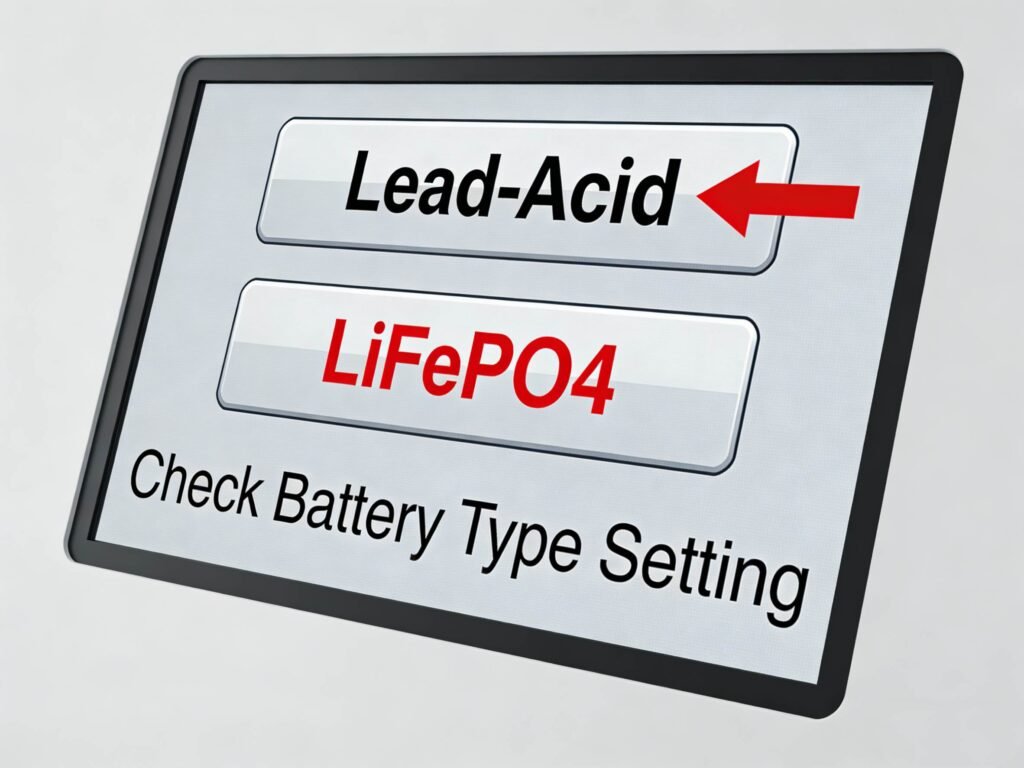
3. Incorrect Charging Settings (Lead-Acid vs. Lithium Mix-Up)
Most hybrid inverters let you choose the battery type (lead-acid, LiFePO4, lithium-ion) in their settings. If you select the wrong type, the inverter will use the wrong charging parameters—leading to partial charging (stuck at 40%–70%) or even battery damage.
Why this happens: Lead-acid batteries require a different charging profile (bulk, absorption, float) than lithium batteries. For example, if you have a LiFePO4 battery but the inverter is set to “lead-acid,” it will stop charging early (around 70%) because lead-acid batteries need a float charge that lithium batteries don’t.
How to fix it (DIY):
- Check inverter battery settings: Access your inverter’s settings (via app, display, or web portal) and find the “Battery Type” option. Make sure it’s set to match your actual battery (e.g., “LiFePO4” for lithium iron phosphate, “Lead-Acid” for traditional lead-acid).
- Adjust charging parameters (if needed): Some inverters let you tweak charging voltage and current. For LiFePO4 batteries, the typical charging voltage is 14.2–14.6V; for lead-acid, it’s 13.8–14.4V. Refer to your battery’s manual for the correct settings.
4. Battery Degradation or Faulty Cells
Over time, all solar batteries degrade—their capacity decreases, and they might struggle to charge fully. If your battery is older (3+ years for lead-acid, 5+ years for lithium) or has been used heavily (frequent deep discharges), it might get stuck at 40%–70% because its actual capacity is much lower than the nominal capacity.
Why this happens: Each battery is made of cells (e.g., 16 cells for a 48V LiFePO4 battery). If one or more cells are faulty or degraded, the BMS will stop charging the entire battery to protect the bad cells—this often results in a partial charge.
How to fix it (DIY check, professional repair/replacement):
- Check cell voltage (if possible): If your battery has a cell monitoring feature (via app or display), check the voltage of each cell. If one cell is significantly lower (1–2V less) than the others, it’s likely faulty.
- Test battery capacity: Use a battery capacity tester (available online for $50–$100) to measure the actual capacity. If it’s less than 70% of the nominal capacity (e.g., a 10kWh battery only holds 6kWh), it’s time to replace the battery or faulty cells.
5. Charging Source Issues (Solar or Grid)
Sometimes the problem isn’t the battery or inverter—it’s the source of the charge. If your solar panels aren’t producing enough power, or if your grid power is unstable, the battery might not get enough juice to charge fully.
Why this happens: Shaded solar panels, dirty panels, or a faulty MPPT (built into the inverter) can reduce solar charging current. Similarly, grid power with low voltage or frequent fluctuations can cause the inverter to stop charging the battery prematurely.
How to fix it (DIY):
- Check solar production: Log into your inverter’s app to see if your solar panels are producing enough power. If production is low, clean the panels (remove dust, bird droppings, leaves) and check for shade (trim trees, adjust panel angle if needed).
- Test grid charging: Disconnect solar panels (temporarily) and charge the battery using only grid power. If it charges fully, the issue is with your solar setup; if not, the problem is with the battery or inverter.
When to Call a Professional Technician
Most partial charging issues can be fixed with the DIY steps above, but there are times when you need to call an expert:
- The BMS reset and calibration don’t work, and the battery still gets stuck at 40%–70%.
- You find faulty cells or the battery capacity is below 70% of nominal.
- The inverter shows error codes (e.g., “Battery Communication Error,” “Charging Fault”) that you can’t resolve.
- You’re not comfortable adjusting inverter settings or working with electrical components (safety first!).
Prevent Future Partial Charging Issues
Once you’ve fixed the problem, follow these tips to keep your battery charging fully long-term:
- Avoid deep discharging: Try to keep your battery’s SOC above 20% (for lithium) or 30% (for lead-acid) to prevent BMS lockouts and cell damage.
- Update firmware regularly: Check your inverter and battery app for firmware updates every 3–6 months—this fixes bugs and improves compatibility.
- Clean solar panels: Clean your panels every 1–2 months to maximize solar production.
- Check connections: Every 6 months, inspect the wiring between the inverter and battery to make sure connections are tight (loose connections can cause charging issues).
Final Thoughts
A solar battery stuck at 40%–70% is a common issue, but it’s rarely a sign of a total failure. In most cases, a simple BMS reset, firmware update, or settings adjustment will get your battery charging fully again. By following the troubleshooting steps above, you can save money on technician fees and get the most out of your solar storage system.
If you’re still having trouble, reach out to your inverter or battery manufacturer’s customer support—they can provide personalized help based on your specific system. And remember: regular maintenance is key to keeping your solar battery working efficiently for years to come.
FAQs
Q: Why does my LiFePO4 battery get stuck at 70% charge? A: LiFePO4 batteries often get stuck at 70% due to BMS calibration issues or incorrect inverter settings (e.g., set to lead-acid instead of lithium). Try resetting the BMS and calibrating the battery by discharging to 20% and recharging fully.
Q: Can a faulty inverter cause my battery to not charge fully? A: Yes! If the inverter’s firmware is outdated, it’s incompatible with the battery, or its MPPT is faulty, it can stop charging the battery prematurely. Check for firmware updates and verify compatibility first.
Q: How long does it take to calibrate a solar battery? A: Calibrating a solar battery takes 1–2 days (discharging to 20%–30% and recharging fully). Repeat the process 2–3 times for the best results.
Q: When should I replace my solar battery? A: Replace your battery if its actual capacity is less than 70% of the nominal capacity, if it frequently gets stuck at partial charge (even after troubleshooting), or if it’s older than its warranty period (usually 5–10 years for lithium, 2–5 years for lead-acid).